GroundFX
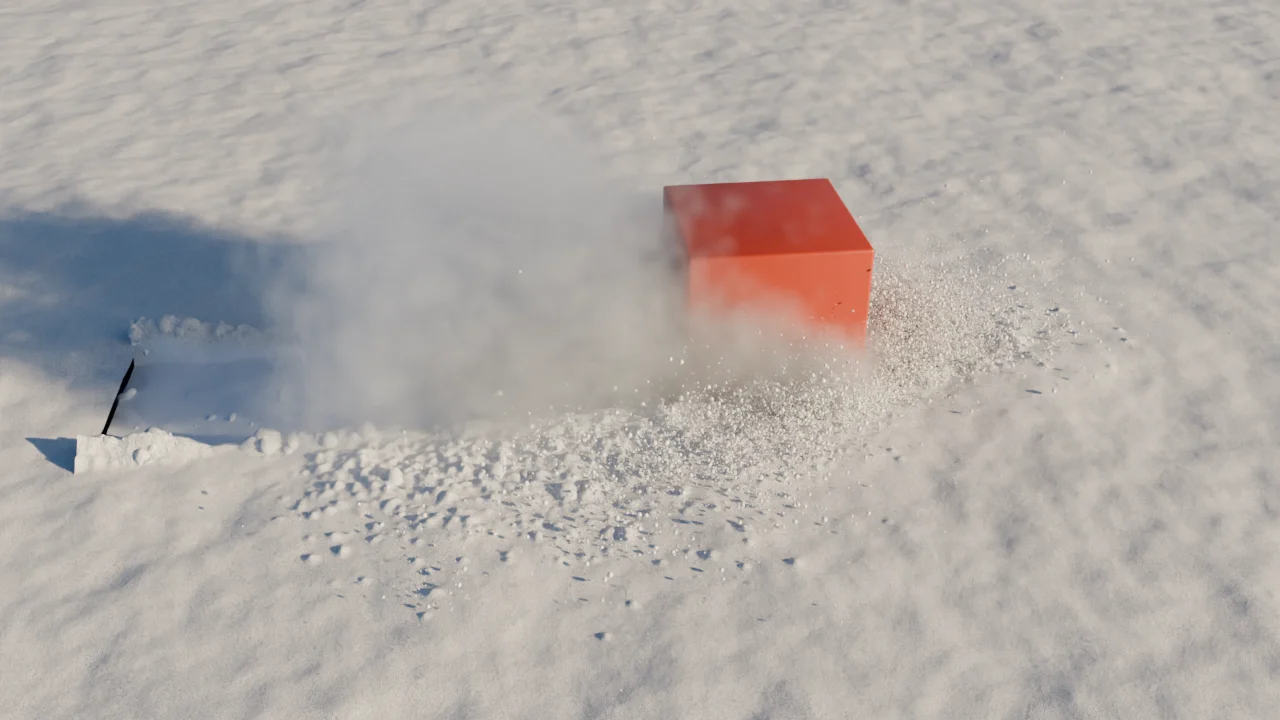
GroundFX is a Blender addon for ground that remembers what went through it. add a layer of sand, snow or mud, mark the objects that should touch it, and they plough trenches, push the material up in front of them, let it slump back behind them and leave it where it comes to rest. fast contact throws it into the air, and it lands again where physics puts it. the panel lives in the 3D viewport sidebar, tab GroundFX.
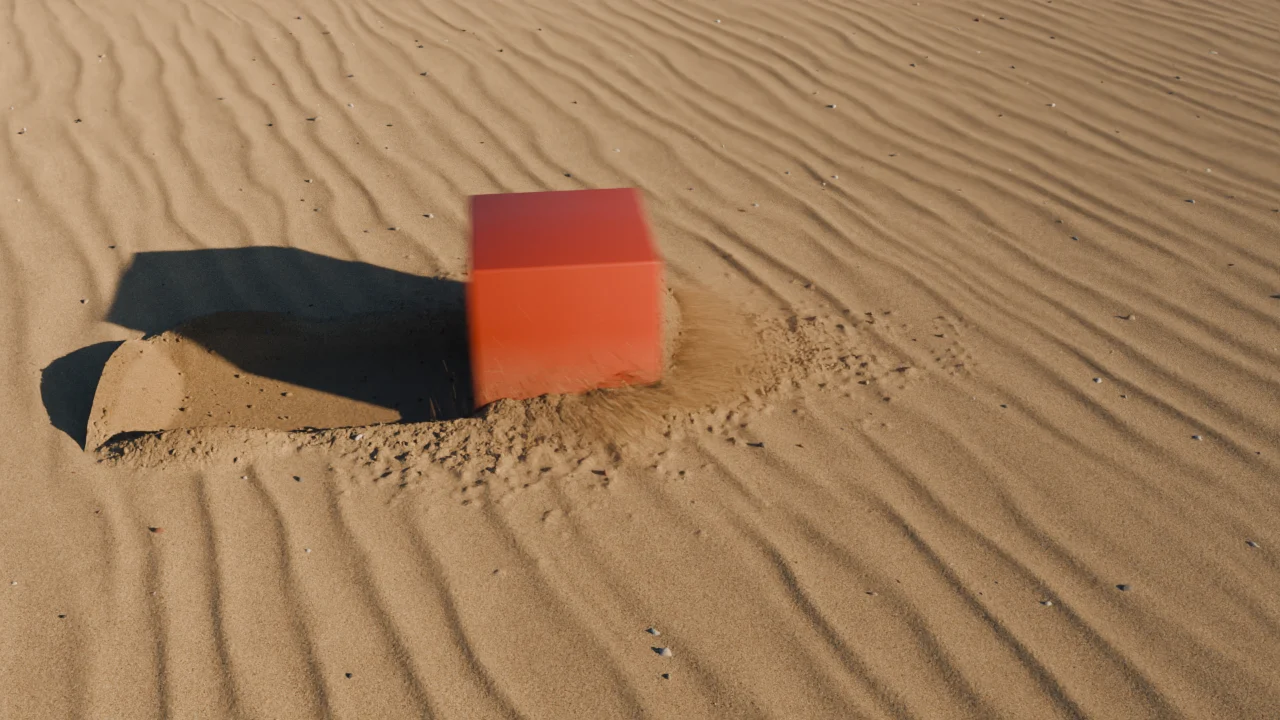
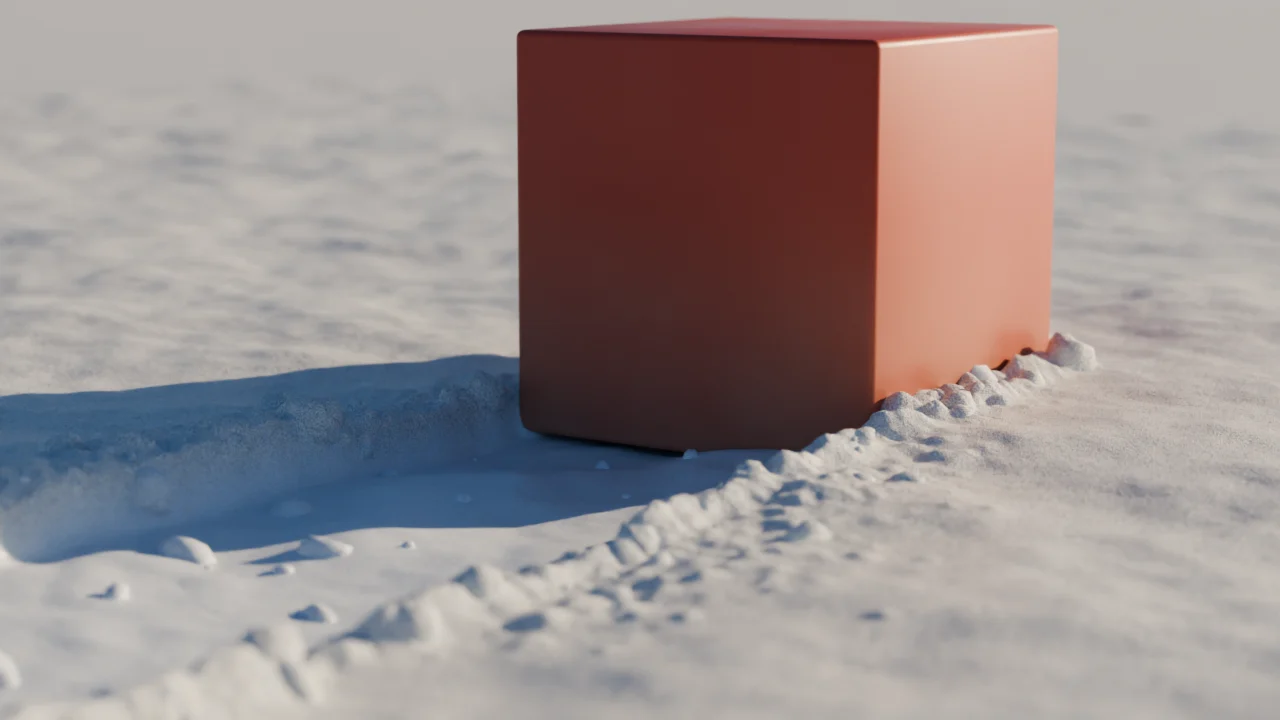
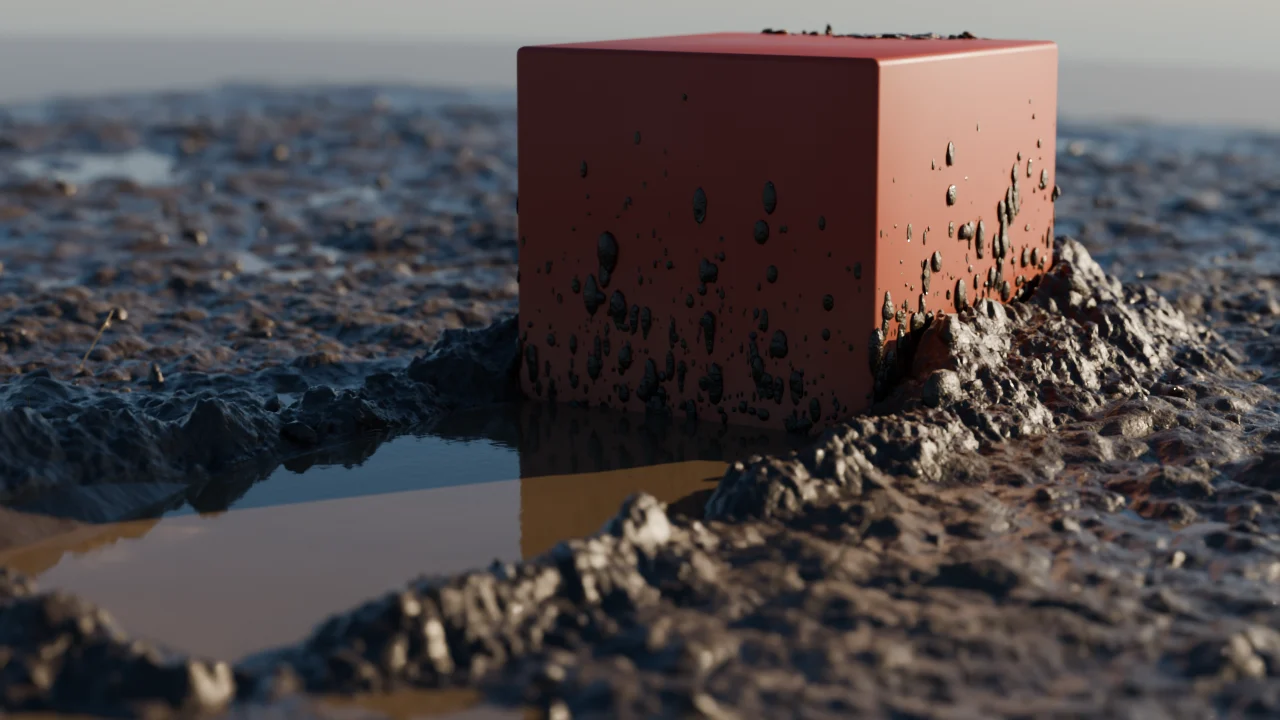
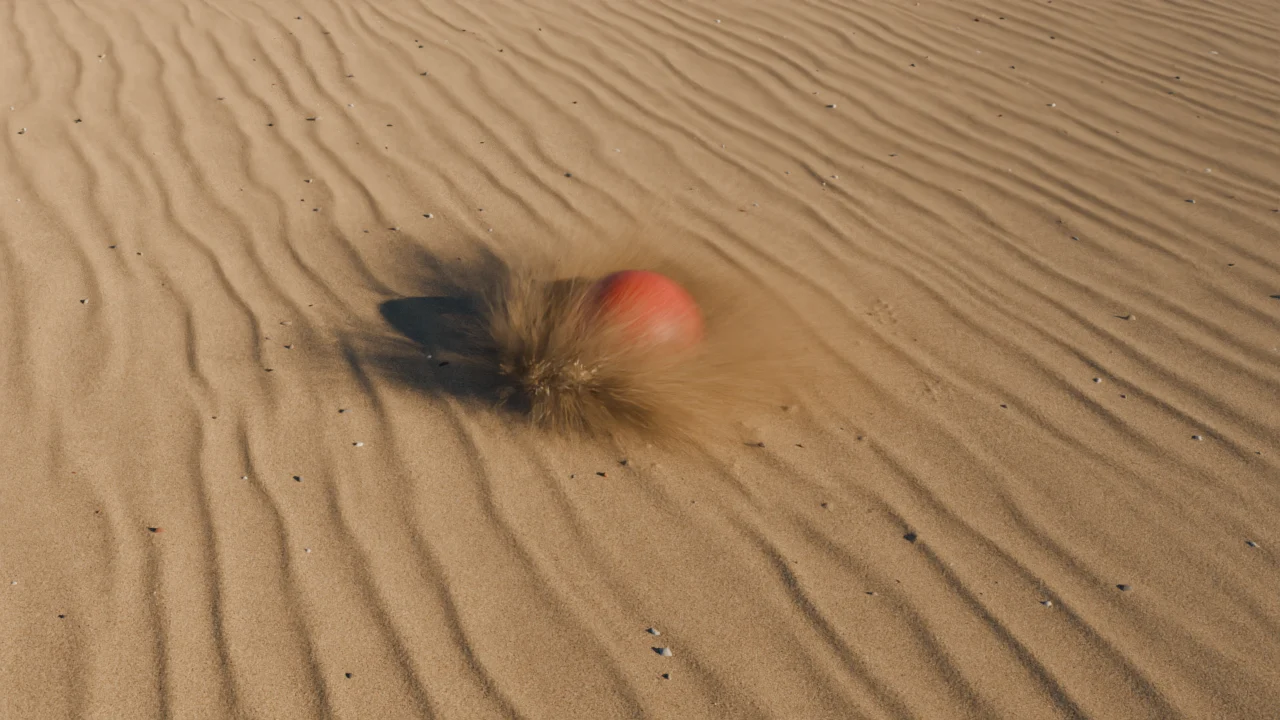
what it does
- the ground: removed material goes into a bow wave, slopes avalanche to the angle of repose, and no mass is lost. mud has a yield stress: thin mud stays on a slope, thick mud flows.
- colliders: any mesh or a collection. rotation and deformation count, and fast objects are swept between frames, so they leave one trench instead of a row of dents.
- flying material: sand leaves as a sheet of grains, mud as heavy clots and drops of dirty water, snow as crumbs and powder. everything that flies lands again with its mass.
- dust and powder hang in the air as a volume: a haze over sand, a cloud raised by the object in snow.
- surface detail as real geometry: wind ripples, crumbs and lumps, loose grains on broken snow, wet sand from below, standing water in every mud track.
- materials at true grain size, from the wide shot to the macro: sand with its mineral palette, snow with subsurface scattering and glinting crystals, mud wet and glossy.
- material sticks: sand grains and mud splashes stay on the flanks of the object where it ran through.
how it works
the ground is a height field, a surface with a height at every point rather than millions of grains. that keeps it fast enough to scrub the timeline. only what the height field cannot hold, material in the air, becomes particles, and the grains you see in the render are added on top, at the size the camera resolves.
the whole simulation runs in geometry nodes with no python in the frame loop, so it plays live in the viewport, bakes like any other Blender simulation and renders in Cycles. for stills, settle and freeze turns a frame into a static mesh.
download
the zip is the extension. install it under Edit, Preferences, Get Extensions, Install from Disk, or drop it onto the Blender window. it needs Blender 5.3 or newer. then Add, GroundFX Ground in the 3D viewport.
what changed between versions is in the changelog.
licence
GroundFX is released under the PolyForm Noncommercial License 1.0.0. private, academic and non-profit use is free, including changes and passing it on, as long as the licence and the copyright notice travel with it. commercial use or distribution needs an agreement first: licence, commercial terms, [email protected].
privacy
GroundFX collects no user data. read the full privacy policy.